The Doomscrolling Trap: How to Stop Without Going Phone-Free
You don't actually want to throw your phone in the ocean. You want to stop losing two hours a night to algorithmic content you'll forget by morning. The good news: scrolling is just a habit, and habits taper. Here's the plan.
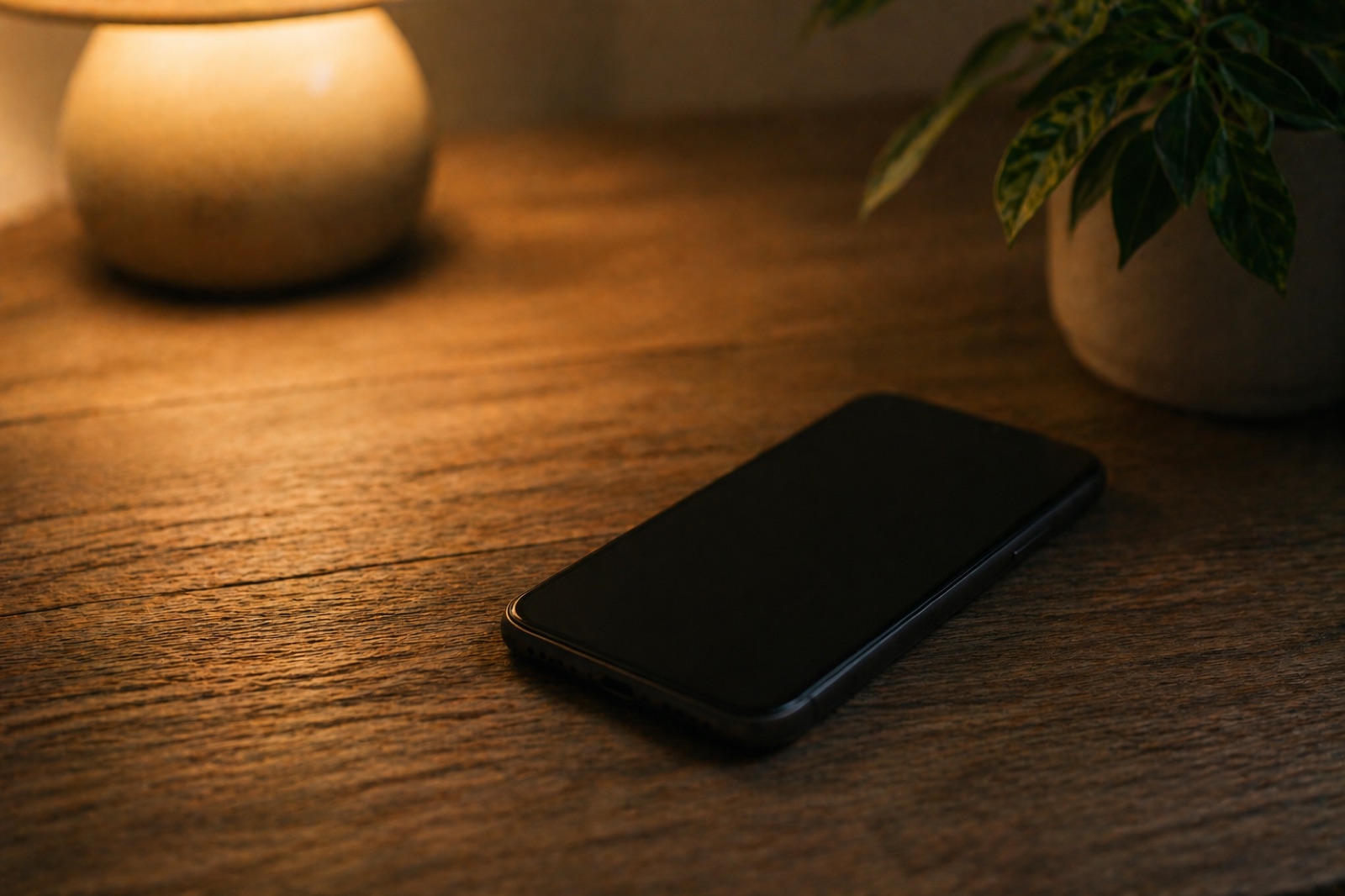
What's actually happening when you scroll
The word doomscrolling got added to the dictionary in 2020 but the behavior is much older. The design pattern behind it was invented in 2006 by Aza Raskin, the UI engineer who patented infinite scroll. He's since publicly apologized for it. That's how bad it is.
The mechanism is straightforward. Every swipe is a slot-machine pull. Most pulls return nothing interesting. A few return something good. Your brain can't predict which pull will hit, so it can't decide to stop pulling. Variable reward schedules are the most behavior-locking pattern biology has found, and slot machines aren't profitable by accident.
This is why "just put your phone down" doesn't work. You're not deciding to scroll. The reward schedule is.
Why "Phone Detox" Cold Turkey Doesn't Work
Every January, a wave of articles tells you to lock your phone in a drawer for 30 days. The success rate of these attempts is comparable to cold-turkey nicotine quitting - around 5-8%. The reason is similar: dopamine receptors have downregulated to handle the constant stimulation, and removing the stimulation entirely creates a deficit that feels unbearable.
Specifically, what you experience as boredom in the days after a phone detox isn't really boredom. It's hypodopaminergia - your reward system has been getting a top-up every few minutes for years, and pulling that pattern abruptly leaves baseline activity feeling intolerable. People last a few days, get desperate for stimulation, and binge harder than before. This rebound effect is well-documented in the addiction literature.
A taper avoids the rebound. You reduce your phone time gradually enough that your dopamine baseline can climb back up to where it was before infinite scroll existed. The climb takes about 21 days for most people.
The 21-Day Doomscroll Taper
This is built around three measurable variables: average daily screen time, number of social/feed app pickups, and longest single session. Most iPhones and Androids report all three natively in Settings → Screen Time / Digital Wellbeing.
Open Screen Time on iPhone or Digital Wellbeing on Android. Note your daily averages for total screen time, your top three feed apps, and your longest single session. Most people are 30-50% over what they'd guess.
Almost universally: bed (morning + night), bathroom, and "transition moments" (waiting for coffee, in line, at red lights). Note where the scroll always starts. These are the windows where replacement actions matter most.
Bury Instagram, TikTok, X/Twitter, Reddit, and YouTube into a folder named "Feed" on the second or third page. The 1.5 extra seconds of friction reduces opens by 30-40% in research from Stanford's Persuasive Tech Lab.
iOS: Settings → Accessibility → Display & Text Size → Color Filters → Grayscale. Schedule it for 9 PM via Accessibility Shortcut. Color is the most powerful single visual reward; killing it cuts evening scroll time by an estimated 25-40%.
If your baseline is 5 hours/day, cap at 4 hours. iOS Screen Time and Android Digital Wellbeing both let you set per-app limits. You can override the cap, but the override itself is the data point.
If you started at 5 hours, cap at 3. This is the week most people fail because the dopamine deficit is real. Replace the cap'd time with anything physical - walks, dishes, stretching, calling someone - not another digital activity.
Buy a $15 alarm clock. The first 60 minutes after waking and the last 60 minutes before sleep should be phone-free. This single change moves screen time more than any other.
Delete the apps you don't use daily. Leave only the one you find most useful. Most people discover they were only opening four out of seven feed apps anyway.
You're now at 2 hours/day if you started at 5. By this week, the dopamine baseline has begun rebalancing. Boredom feels less unbearable. You'll notice things you stopped noticing - wait time, conversation, unfilled minutes.
Most people don't want zero. They want to choose. Decide what your sustainable daily ceiling is - for many people it's 60-90 minutes - and set it as the new permanent cap.
Build your screen-time taper
HabitIt lets you create a "reduce screen time" journey with auto-tapering targets. Quick-log your daily screen time in one tap from a widget. See your reduction graph over the 21 days.

What Doesn't Work (And Why)
Switching to a "dumb phone" for a month. Works for 5-10% of people. The rest miss it within a week and rebound when they switch back. The friction of getting a different phone for a month also tends to make the change feel like an event rather than a process - events end, processes stick.
Apps that "block" social media. The serious ones (Opal, ScreenZen, Freedom) work for the few minutes you have them on. The ones with a snooze button last about three days before you're snoozing them habitually. Blocking apps treat doomscrolling as a discipline problem; tapers treat it as a chemistry problem. Chemistry wins.
Replacing scrolling with reading articles. Same dopamine schedule, different surface. If you swap TikTok for Reddit or Twitter for long-form Substack, you're still on a variable-reward feed. The replacement that works is something with a clear endpoint - finish the chapter, finish the dishes, finish the walk.
The Physical Replacement Rule
Most successful doomscroll tapers replace digital time with physical activity, not different digital activity. The reason is dopamine kinetics. Reading an article on your phone keeps you in the same reward schedule. A 10-minute walk uses a different reward system entirely (proprioception + endorphin) and lets the dopaminergic one rest.
This is the principle behind habit chains: link a desired physical habit to the trigger that used to start a scroll. Phone reach in bed becomes "phone reach → glass of water → 5 stretches → phone." The chain doesn't ban the phone, it just rate-limits it behind two physical actions.
"You're not trying to be the kind of person who hates their phone. You're trying to be the kind of person whose phone doesn't run their evenings."
Why Track Screen Time Reduction in a Habit App
Both iOS Screen Time and Android Digital Wellbeing track your usage. They don't track your journey. You see today's number against yesterday's, but you can't see whether you're on the taper schedule or off it, and you can't see the trend across multiple weeks against a goal.
HabitIt was built for this. Create a screen-time journey with your starting hours and your target. The app builds the daily target schedule, you log your actual screen time once a day, and you see the gap. When you blow a day - and weekday Friday is the perpetual offender - the schedule recalculates and tomorrow's plan is realistic, not punishing.
Start your scroll taper today
Free 3-day trial of all features. Build a screen-time reduction journey in under a minute.