Top 9 Apps to Quit Doomscrolling in 2026
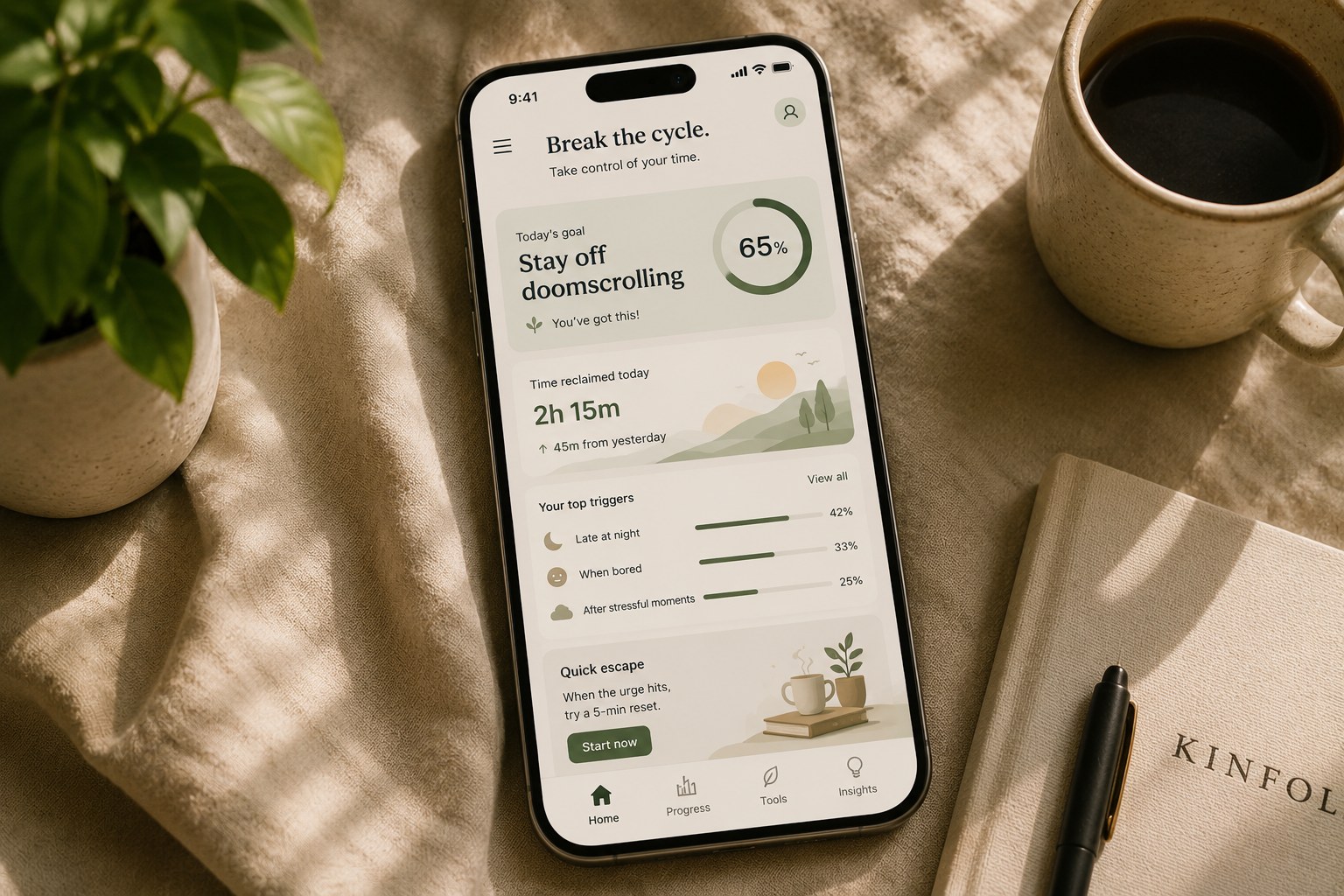
Doomscrolling is a boredom-to-phone-to-news loop that fires dozens of times a day without you deciding to start it, which is why a screen time app showing you an hour usage bar at 10pm changes so little - by then the loop has already run its course for the day. The apps that actually work interrupt the behavior at the moment it starts, while your thumb is still hovering over the icon. These 9 split into two camps - trackers and blockers - and both have a place. The trick is knowing which problem you're actually trying to solve.
Quick comparison
| App | Best for | Price | Platform |
|---|---|---|---|
 HabitIt HabitIt |
AI builds your plan and recalibrates when you slip with automatic pattern detection | Free + Premium | iOS + Android |
 Screen Time (iOS) Screen Time (iOS) |
Built-in app limits, no download needed | Free | iOS |
 Digital Wellbeing Digital Wellbeing |
Built-in screen time controls on Android | Free | Android |
 Opal Opal |
Scheduled hard app blocks with focus sessions | Freemium | iOS & Android |
 One Sec One Sec |
Forced pause before opening addictive apps | Freemium | iOS & Android |
 Freedom Freedom |
Cross-device blocking including desktop browsers | $8.99/mo | Both + Web |
 Forest Forest |
Focus timer that grows a virtual tree | iOS one-time $3.99, free on Android | iOS & Android |
 Flipd Flipd |
Social accountability for phone-free time | Freemium | iOS & Android |
 Clearspace Clearspace |
Intent-based app access with friction | Freemium | iOS |
How we compared these
We checked each app's current App Store or Google Play listing in July 2026 for price and free-tier limits, then grouped them by mechanism - whether the app tracks the behavior, blocks it outright, or adds friction at the moment of the impulse. Prices and free tiers change often, so verify before you pay.
The list
1. HabitIt
Set a daily phone time target and track the reduction over 21 days. The blockers on this list cut access. HabitIt, the AI habit tracker, takes a softer route: a daily number to stay under, with the step-down progress visible across the full three weeks, built as an automatic habit plan so the daily target adjusts itself rather than you recalculating it each Monday. Miss a day and the plan adjusts rather than resetting a streak, which matters for phone habits in particular - phone overuse almost always has a few spike days, and an app that punishes a spike with a streak reset usually gets deleted around day 5. Good for people who want a gradual taper with a visible finish line. The doomscrolling reduction plan builder is free, no login required, takes about ten seconds.
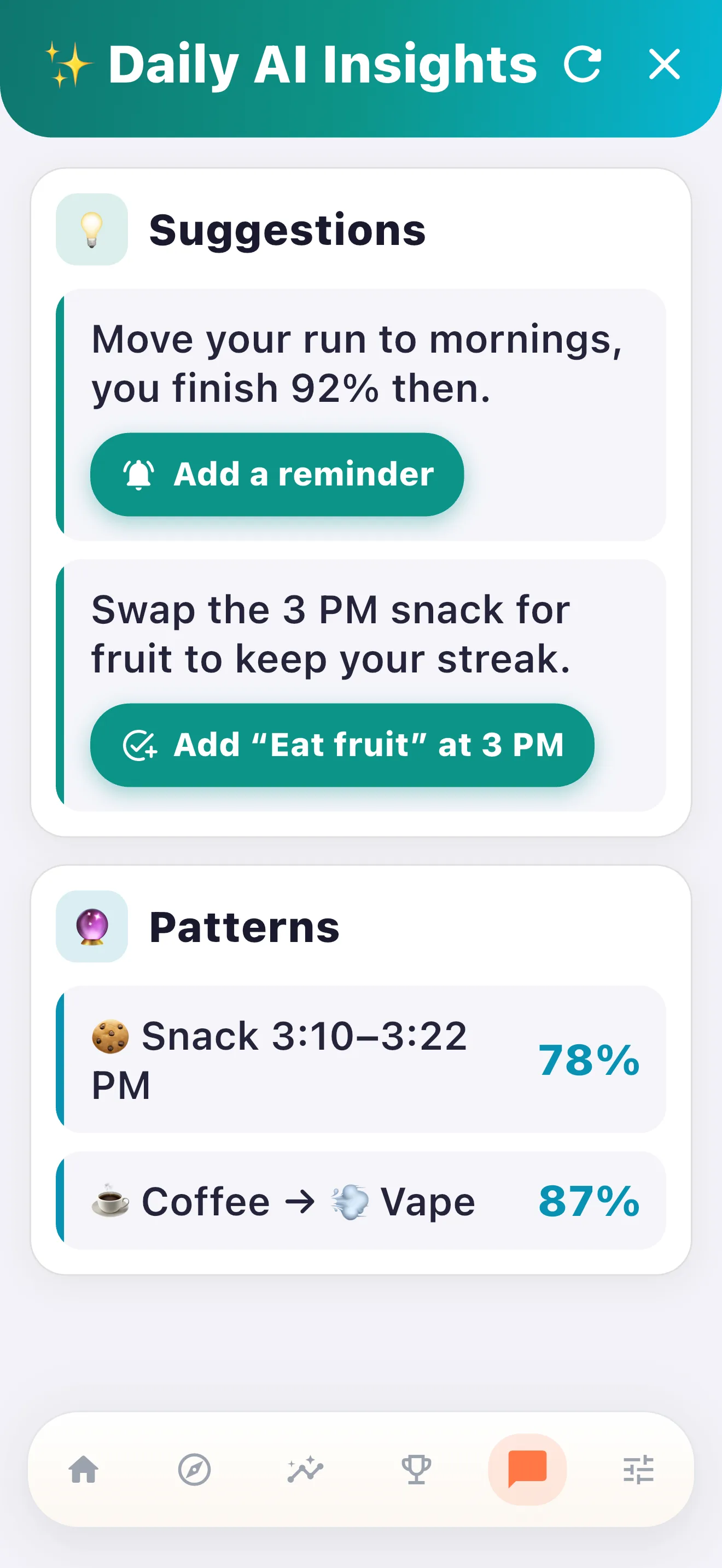
Phone time spikes have a shape. Late-night bed sessions are a common one, and so is the post-lunch low where the phone appears in your hand before you've decided to pick it up. Even a five-minute "just checking something" moment can quietly become twenty. As a smart habit tracker, HabitIt's pattern detection picks up on those clusters in the log and names them plainly - "your screen time triples after 10pm on weekdays" - which gives you one specific moment to work on instead of a vague sense that you scroll too much.
2. Screen Time (iOS built-in)
Built into every iPhone, free, no download required. App limits let you set a per-app daily timer that shows a warning when you're approaching the limit; downtime scheduling greys out everything except allowed apps during set hours. The limitation everyone who uses it discovers around day 3: one tap on "Ignore Limit for Today" and the block disappears. It's designed to be overridable, which is a product choice that reflects Apple's philosophy about parental controls versus self-control tools. Good for structure and awareness, shaky for impulse control. Start here anyway if you've never tracked your usage before.
3. Digital Wellbeing (Android built-in)
Google's equivalent for Android devices. The dashboard shows exactly how much time you've spent in every app. Per-app timers grey out the icon when the daily limit hits, and Focus Mode pauses distracting apps for a set period. Same core limitation as Screen Time: one tap overrides the timer. Even so, the dashboard data alone earns the setup time - the first look at your real number tends to land somewhere between surprising and embarrassing. The Android version also has a "Bedtime Mode" that switches the screen to greyscale at a set hour, which is a subtle friction that reduces late-night scrolling more than the hard limits do for some users.
4. Opal
App-level blocking with focus sessions and goals. Harder to override than the native tools because Opal uses a Screen Time API integration that makes the "ignore for today" path more deliberate. The focus session feature is where it's genuinely useful during work blocks. You set a 90-minute deep work session, Opal locks the distracting apps, and the only way back in is ending the session manually. No one-tap escape hatch. Paid subscription for the full feature set; the free tier is usable for basic blocking. Worth the subscription if you've already found yourself overriding native Screen Time regularly.
5. One Sec
Single best intervention for impulse opens, and it works differently from every other app on this list. When you tap Instagram, TikTok, Reddit, or whatever your specific loop-trigger is, One Sec intercepts the open and holds you for 5-10 seconds with a breathing prompt before letting you in. A six-week study run with the Max Planck Institute found that participants closed the target app again, without opening it, on roughly a third of the attempts One Sec interrupted.[1] The friction itself is tiny; the moment of conscious choice is what does the work. Sounds too simple. It holds up anyway, especially for the scroll you don't even remember starting. Free tier covers a few apps; paid tier covers unlimited.
6. Freedom
Blocks across iPhone, iPad, and Mac simultaneously, which is the key differentiator. Most doomscrolling tools assume the problem is phone-only. For a significant portion of people, the same loop plays out on a laptop browser during work hours - news tabs, Twitter, Reddit in the background. Freedom handles both in a single session. $8.99/mo paid subscription (cheaper billed annually), no meaningful free tier. Worth it specifically if you scroll on your laptop as much as your phone; overkill if you're phone-only and the native tools would do the job.
7. Forest
Grows a virtual tree while your phone stays locked during a focus session. Closer to a positive reinforcement timer than a blocker. When the session ends without you breaking it, the tree joins your forest; break the session and the tree dies. Works best as a visible commitment device for defined windows - the first hour of the workday, say, or meals. Not designed for all-day blocking, and doesn't help much with the late-night scroll in bed. Free on Android; a one-time $3.99 purchase on iOS, with an option to unlock real-tree planting through a partnership with an actual reforestation organization.
8. Flipd
Hard lock mode that requires your accountability partner to unlock it, which is a genuinely unusual design choice in this category. You and another person both set a lock time, and neither of you can break the lock alone - the other person has to approve the unlock. Strong for people who've tried every self-managed blocking tool and found they override it every time. Breaking the lock stops being a private change of mind and becomes a favor you have to ask another person, which carries a different psychological cost. Smaller user base than the other apps on this list, but the design is thoughtful for the specific failure mode it targets.
9. Clearspace
When you try to open an addictive app, Clearspace inserts a mini breathing exercise or reflection prompt before letting you in - similar in spirit to One Sec but with a slightly different framing. Where One Sec's pause is mostly a time-delay, Clearspace explicitly asks you to reflect on why you're opening the app and whether you actually want to. The usage stats dashboard shows your opening patterns over time. Newer app, smaller user base than most others here, and worth a look anyway. The psychological model is different from blocking - Clearspace works on awareness, which makes it a better fit for people who find hard blockers feel coercive.
- Best gradual reduction plan: HabitIt
- Best free start on iPhone: Screen Time
- Best free start on Android: Digital Wellbeing
- Hardest to override mid-session: Opal
- Best for catching impulse opens: One Sec
- Best cross-device coverage: Freedom
- Best focus-session ritual: Forest
- Best when you can't trust yourself alone: Flipd
- Best for building conscious awareness: Clearspace
Which type of app do you actually need
The apps on this list split into three functional categories, and a surprising share of failed doomscrolling quits come down to picking the wrong category for the actual problem.
Trackers (Screen Time, Digital Wellbeing, HabitIt) show you the data. They're the right first step. A week of data establishes your baseline, tells you which apps are the actual time sinks, and gives you something to set a reduction target against. If you genuinely don't know how much you're scrolling or which apps are driving it, start here. Tracking has a ceiling, though - the report always arrives after the behavior it describes.
Blockers (Opal, Freedom, Flipd) prevent access. They work well once you know what to block and are ready to commit to a hard stop during defined windows. The usual arc runs install on Sunday, chafe by Tuesday, disable everything by Wednesday. Scope is what saves a blocker: cover the three specific apps that drive your loop during the three specific hours when it's worst, and stop there. Trying to block everything all day produces the over-restriction backlash that kills most digital detox attempts.
Friction-adders (One Sec, Clearspace) are the category almost nobody tries first, and they probably deserve to be. A 5-10 second pause before the app opens is enough to break the unconscious reflex without feeling like deprivation. The behavior has to become conscious before it can change, and friction-adders make it conscious at the exact moment the loop starts.
Start with two weeks on a friction-adder. Add a tracker to see which sessions survive the friction, then bring in a blocker for whatever high-risk windows remain. The guide to stopping doomscrolling without going phone-free has the full protocol. If the behavior you're chasing is compulsive checking more than scroll depth, the how to stop checking your phone post is a better fit. And when the passive screen time goes to Netflix and autoplay queues, the top apps to stop binge watching post covers the overlapping but distinct set of tools built specifically for autoplay loops.
Anyone hunting for the single best app to stop doomscrolling is going to be disappointed, because no one app solves this on its own. The apps above are tools for running a sequence - two weeks of friction first, then tracking, then blocking whatever's left over. Pick the app that fits the step you're on.
Common failures
Using a tracker without any blocker or friction. Watching a screen time number go up doesn't change the behavior that drives it. Awareness is a necessary first step; it's not sufficient. If you've been tracking your phone usage for a month and the number hasn't moved, the problem isn't information.
Installing a blocker and disabling it by day 3. This is the most common failure mode in the blocker category. The fix isn't a harder blocker; it's a narrower scope. Block two apps during two hours rather than everything all day. Make the constraint small enough to hold before expanding it.
Blocking social media but not the news app that triggers the same loop. Most doomscrollers have one primary feed (Twitter, Reddit, Instagram) but the same anxious checking behavior also runs through news apps, email, and sometimes YouTube. Blocking Instagram while leaving the news app unblocked is blocking the symptom and leaving the trigger.
Not having a replacement behavior for the boredom moments. The phone-pick-up reflex fires in specific moments - waiting for something, or those first two minutes of lying in bed are the most common. An app can block the scroll in those moments; it can't fill them. The replacement behavior - even something as simple as standing up, looking out a window, or putting the phone in another room - needs to be decided in advance, not improvised when the reflex fires.
Citations
- Grüning, D.J., Riedel, F., & Lorenz-Spreen, P., "Directing smartphone use through the self-nudge app one sec," PNAS, 2023. pnas.org
Build your quit doomscrolling plan today
Free 3-day trial of all features. After that the free tier covers the basic taper. No subscription required.

Get the Free Quit Doomscrolling Plan
Drop your email and we'll send a printable plan you can fill in and track. Occasional updates (max 1 per 2 weeks).
Success! Now check your email to confirm your subscription.
We respect your privacy. Unsubscribe at any time.