How to Stop Phone Checking: A 30-Day Reset
The average smartphone user unlocks their phone roughly 96 times a day. Heavy users hit 150-200. Most of those unlocks aren't checking for anything specific; they're a reflex that fires when your hand is idle, when there's a 5-second pause in conversation, when you sit down anywhere. Almost everyone tracks total screen time, which turns out to be the wrong number to watch. The actual habit is the pickup itself, and you can cut phone use dramatically just by unlocking less often, even if every individual session stays exactly as long as it is now. The 30-day plan below goes after the trigger and leaves the duration alone.
The pattern you already know
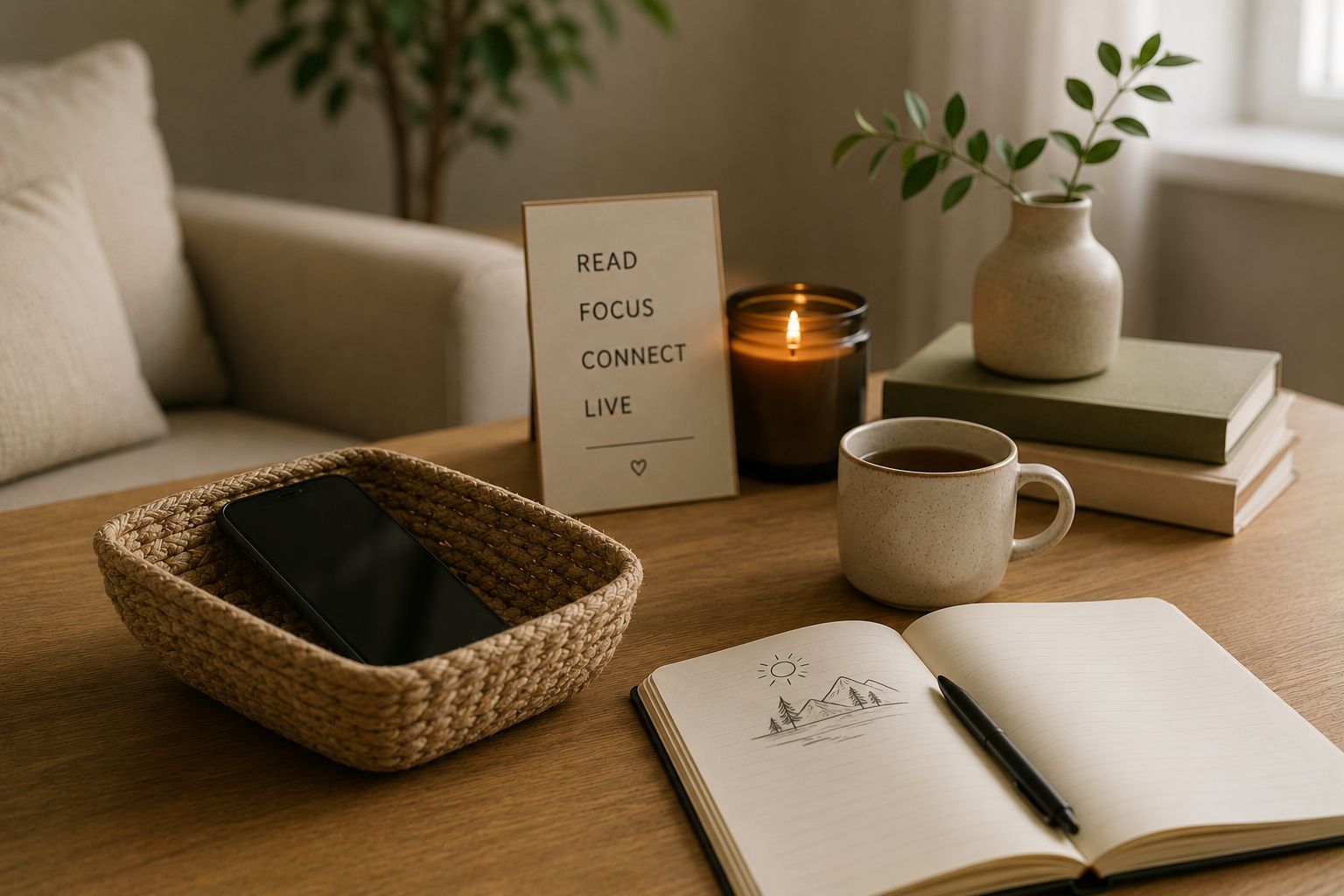
You sit down at a cafe. You pull out your phone. There's nothing to check. You unlock it anyway. Three taps later you're on Instagram or Reddit or your email. You came in to read a book. The book never opens because the phone unlocked itself, basically. By the time you put it down it's been 12 minutes. You feel slightly worse and you've absorbed nothing. This isn't screen-time addiction in the dramatic sense; it's a tic, the kind your hand does when it's bored. And like most tics, you don't notice it firing.
Most attempts to reduce phone use focus on total screen time. The phone Settings shows you "4 hours yesterday" and you resolve to cut that to 2. The resolve doesn't survive the next idle moment because the pickup reflex is happening below the level of conscious decision. Even when you reduce the per-session time, the unlocks keep coming. You end up with 90 short sessions instead of 50 medium ones, and the cumulative attention damage is identical or worse because of the constant context-switching.
The 30-day reset goes straight at the unlock count. Every pickup with no real reason behind it gets caught and put back down. The logic is simple: a phone you only unlock when you genuinely need it gets used roughly 30 times a day for calls, scheduled checks, and deliberate browsing, versus the 100 you're at now. Those 70 saved unlocks weren't producing anything worth keeping. It's the same logic as the doomscrolling reduction, aimed at the pickup instead of the scroll.
Why most "use phone less" attempts fail
Three things keep the reflex alive, and the plan below takes on each in turn.
1. You're counting the wrong thing. Total screen time hides the real problem, because it says nothing about the constant pickup that's actually shredding your attention. Two hours of intentional reading on the phone is fine. Forty 90-second compulsive pickups is corrosive. The number that matters is unlocks per day, and hardly anyone ever looks at it.
2. The home screen makes everything one tap from the unlock. The whole reason iOS and Android pull you so hard is that opening any app is 1-2 taps. Instagram is on the home screen. Email is on the home screen. The Slack icon glows red. Of course you check those during every unlock; the design optimized for it. Moving everything off the home screen makes the unlock less rewarding, which makes the pickup reflex weaken over weeks.
3. You don't have a replacement for the hand-idle moment. The pickup often happens because your hand is bored. Removing the phone without giving the hand something else to do leaves the boredom unaddressed, and the phone wins by week two. The fix is a small physical object always within reach (a fidget cube, a worry stone, a deck of cards in your pocket) that absorbs the hand-idle moments instead. Replacement habits apply.
The plan below handles all three.
The 30-Day Plan
This assumes a baseline of about 100 daily unlocks, which is roughly the average heavy user. If you're at 150+, run the plan over 6 weeks. If you're at 50-60, you don't really need a plan; the home-screen reorganization alone should do it.
Both iOS and Android show daily unlock counts in their built-in screen-time settings. Track the median across 3 days; that's your baseline. Then reorganize: the home screen has only Phone, Messages, Maps, Camera, and your calendar. Everything else (social, email, news, games) moves to page 2 or into a "Time-eaters" folder. Cap at 80 unlocks this week. The home-screen change alone usually cuts 15-20% of pickups because the unlock isn't immediately rewarded by your favorite app being one tap away.
The stated-reason rule is the load-bearing intervention. Every unlock requires a sentence: "I'm checking the time," "I'm responding to Sarah," "I'm looking up the recipe." Pickups without a reason don't happen; you put the phone back down. This single rule catches roughly 40-60% of compulsive pickups in the first week of using it because the conscious step interrupts the reflex. Install the replacement hand-fidget object this week: keep it in your pocket or on the desk. When the hand reaches for the phone with no reason, redirect to the fidget.
Pick three times to actively use the phone: maybe 9am (post-morning routine), 1pm (lunch break), 5pm (end of work). At those times, you spend 10-20 minutes deliberately checking email, social, news, group chats. Between those windows, the phone is locked except for calls and urgent messages. This is harder than week 2 because it forces longer offline stretches; in exchange, it produces longer-form focus that most users haven't experienced in years. Cap drops to 45 unlocks total.
The sustainable cruising altitude. 30 unlocks is enough to handle calls, messages, navigation, deliberate browsing windows, and the genuinely needed checks. It's not enough to support compulsive use, which is the point. The reflex doesn't completely disappear; you'll still occasionally find yourself reaching for the phone with no reason. But the catch-and-redirect now happens reliably because three weeks of stated-reason practice has rewired the response. The fidget object stays; the deliberate windows stay; the home screen stays minimal.
The Four Rules That Make It Stick
1. Count unlocks, and let screen time be. Log your unlocks daily from your phone's built-in settings. Total screen time drifts around with whatever you happen to be doing, while the unlock count measures the pickup habit straight on. A day of 30 unlocks and 3 hours of intentional use beats a day of 100 unlocks and 2 fragmented hours by a mile.
2. Home screen has only essentials. Phone, Messages, Maps, Camera, Calendar. Maybe one work app if you have to. Everything else goes to page 2+, or into a folder, or gets uninstalled. The home screen is the trigger system; minimal home screen = weak triggers.
3. The stated-reason rule, every unlock. Before swiping up, name what you're checking. If you can't, put the phone back. This catches the reflex. After 2-3 weeks of practice, the reason-statement happens automatically and you stop unlocking for nothing without thinking about it.
4. The hand-fidget object is non-negotiable. A small physical thing that lives in your pocket or on your desk: fidget cube, worry stone, smooth rock, deck of cards. When the hand reaches for the phone with no reason, redirect to the fidget. This addresses the hand-idle root cause that pure willpower can't. Meditation works on the same root cause from the attention side.
Running the Plan With an App
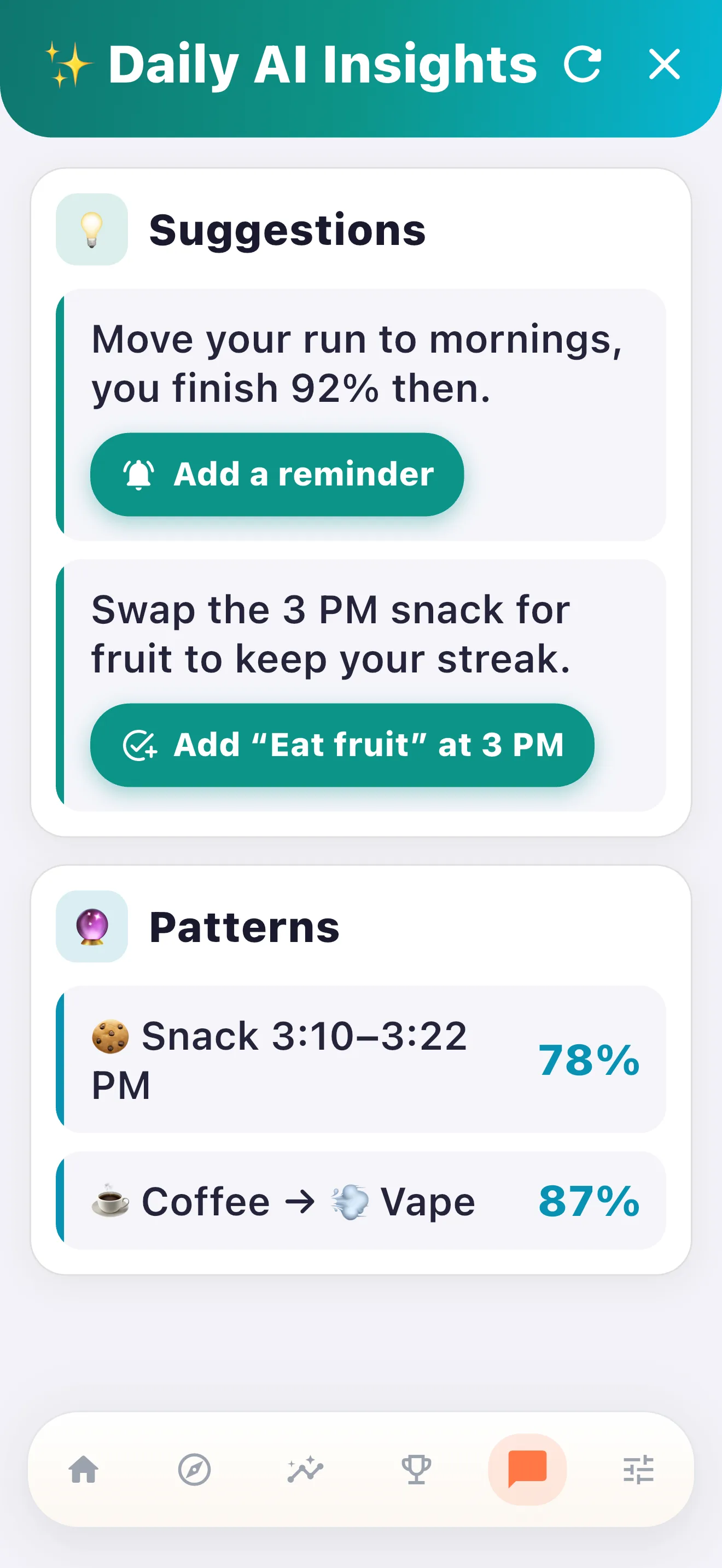
Ironically, you'll be using your phone to track reducing phone use. The good news is that the screen-time settings (Apple Screen Time or Android Digital Wellbeing) already count unlocks; you just need a habit tracker layered on top that logs the daily total against your cap. The tracking takes 10 seconds at end of day; the log itself becomes a small daily ritual.
Three things make a tracker useful here. It should let you set a daily unlock target that steps down week over week, from 80 to 60 to 45 to 30. It should absorb a slip without zeroing your streak, because some travel day you'll unlock 80 times just for navigation and that shouldn't torch three weeks of progress. And ideally it pulls the unlock count from the OS automatically, though on most phones you'll still be logging the number by hand (iOS can sometimes do it via the Screen Time API).
HabitIt was built around exactly this kind of behavior-count reduction, which is what tracking a daily unlock cap really is. The broader doomscrolling reduction handles the per-session time piece if you also want to shrink what happens during the unlocks themselves.
Five Ways the Plan Still Falls Apart
Tracking time instead of unlocks. The most common failure. Time data is misleading and produces a sense that you're "fine" when you've unlocked 90 times. Switch the metric to unlocks. Time follows automatically.
Skipping the home-screen reorganization. The home screen IS the trigger system. Without changing it, all other interventions are theater. Most plans that fail by day 10 are plans that kept the home screen as-is.
Forgetting the stated-reason rule once you've internalized it. The rule fades from conscious application around day 14, and the reflex creeps back. Re-engage the rule explicitly during weeks 3-4 to lock in the change.
Not having the fidget object actually with you. The fidget is the hand-idle replacement. If it's in a drawer in another room, it doesn't work. Keep it in your pocket or on the desk where the phone usually lives.
Quitting after a high-unlock day. Some days have legitimate reasons for 80+ unlocks (travel, navigation-heavy day, work emergency). Those don't break the plan; the next day resumes at the target. The restart logic applies the same way.
Beyond day 30
The first 30 days extinguish the reflex. The next 30 build the new normal. Around day 50 you'll notice your phone sitting on the table for 20-30 minutes at a stretch with no hand reaching for it. That was probably last normal for you sometime around 2014. The real prize of this plan is the mental quiet that comes back, and the unlock count is just how you measure it. People describe sharper focus at work, longer attention for reading and conversation, and the small shock of remembering what boredom felt like before they filled every second of it.
By month three the phone stops feeling like a constant companion. It goes back to being a tool you pick up when you need it and set down when you're done. The whole relationship is healthier in a way that's genuinely hard to describe to someone still living at 100 unlocks a day, so don't try to convert them. Just hold the new pattern and let them notice on their own. A solid morning routine compounds with this work because both create offline space the phone used to occupy.
One side note worth flagging: the unlock count typically spikes during travel days (navigation, boarding passes, hotel apps) and during work crunches (Slack, email, scheduled video calls). Those days might hit 60-80 unlocks legitimately even with the plan running well. That's fine. The metric you care about is the median across a normal week, not any single travel day. Most users find the median settles into 30-40 unlocks for ordinary working days within 6-8 weeks of holding the plan, with occasional 60-unlock days that don't trigger relapse because the underlying habit pattern is broken.
Build your stop phone checking plan today
Free 3-day trial of all features. After that the free tier covers the basic taper. No subscription required.


Get the Free 30-Day Phone Reset Plan
Drop your email and we'll send a printable plan you can fill in and track. Occasional updates (max 1 per 2 weeks).
Success! Now check your email to confirm your subscription.
We respect your privacy. Unsubscribe at any time.